

Download link to Youtube example: Link
Imagine an operator selecting CV02 on an HMI and pressing Start Selected. The PLC needs to act on CV02’s data. Select CV03 and the same command should act on CV03. How do you make the target change at runtime without maintaining three separate versions of the conveyor logic?
In this Antomatix lab, a Siemens S7-1500 uses a typed reference in SCL to work with whichever conveyor record we select. The finished video builds the three-belt scene in Machines Simulator 4, then shows the PLC code and tests it live from the HMI. This article starts with the part you can reuse: how to declare, bind and use the reference.
What REF_TO, REF() and ^ do in SCL
REF_TO declares the type a reference can point to. In our lab it’s a conveyor UDT, a PLC data type that groups a conveyor’s fields. REF() creates a reference to a specific compatible tag. The caret (^) dereferences it, which means reading or writing the original tag through the reference. NULL means there is no target.
Here’s the useful distinction: selecting another target changes where the reference points. It leaves the data you already wrote to the previous conveyor in place. Each conveyor still has its own values for its run request, run command and start count.
1. Store three conveyor records in an optimized DB
In TIA Portal V21, create the PLC data type UDT_BTL_Conveyor. Add ManualRun, RunOutput and WasRunning as Bool members, and StartCount as a DInt. In the global DB DB_BTL_Conveyors, enable optimized block access and add this declaration:
Conveyor : Array[1..3] of “UDT_BTL_Conveyor”;
In the lab, record 1 is CV01 (infeed), record 2 is CV02 (tracking and reject), and record 3 is CV03 (outfeed). StartCount counts transitions in the PLC run command. It doesn’t count boxes or confirm that the motor physically started.
2. Point a temporary reference at the selected conveyor
In the SCL function FC_BTL_Conveyors, add SelectedRef in the Temp section. Its type must match the type of an individual array element:
SelectedRef : REF_TO “UDT_BTL_Conveyor”;
The HMI supplies the integer selection in DB_BTL.SelectedConveyor. The selector clears the temporary reference first, checks the array index, then binds it to the chosen record. An invalid selection leaves it at NULL.
#SelectedRef ?= NULL;
IF (“DB_BTL”.SelectedConveyor >= 1)
AND (“DB_BTL”.SelectedConveyor <= 3) THEN
#SelectedRef := REF(“DB_BTL_Conveyors”.Conveyor[“DB_BTL”.SelectedConveyor]);
END_IF;
“DB_BTL”.SelectedValid := (#SelectedRef <> NULL);
With a valid target, #SelectedRef^.ManualRun := TRUE; sets the original record’s run request. In the lab, that statement sits inside the guarded service Start branch. The selected reference must be valid before any use of the caret. Keep the real mode, stop and fault conditions in place if you use the full lab.
The reference selects record 2. Each of the three original conveyor records keeps its own values.
3. Pass a reference to the shared conveyor function
The second half of the pattern is the reusable function FC_BTL_ProcessConveyor. Its Drive input has type REF_TO “UDT_BTL_Conveyor”. The caller iterates over records 1 to 3 and binds a separate temporary reference, DriveRef, to each record in turn, passing that reference into the same function every time.
Inside the function, this is the guard and run command calculation from the lab:
IF (#Drive = NULL) THEN
RETURN;
END_IF;
#Drive^.RunOutput := #Permit AND ((NOT #ServiceMode AND #AutoRunning)
OR (#ServiceMode AND #Drive^.ManualRun));
The reference tells the function which conveyor to process. The mode, request and permit tell the function whether to request motion. The complete lab also updates the start counter, publishes ordinary diagnostic tags for the HMI and maps each conveyor to its own output. The HMI never needs the reference itself.
What to watch in the simulator
Keep the three original records visible in a TIA watch table alongside the HMI. In the empty simulation cell, select CV01 and start it in service mode. Then select CV02 without pressing Start again. CV02 becomes the selected target. CV01’s previous request stays in its own record. Try the No Target / NULL selection and check that SelectedValid is false and a selected command changes no conveyor record. Finish with Stop All to end the test.
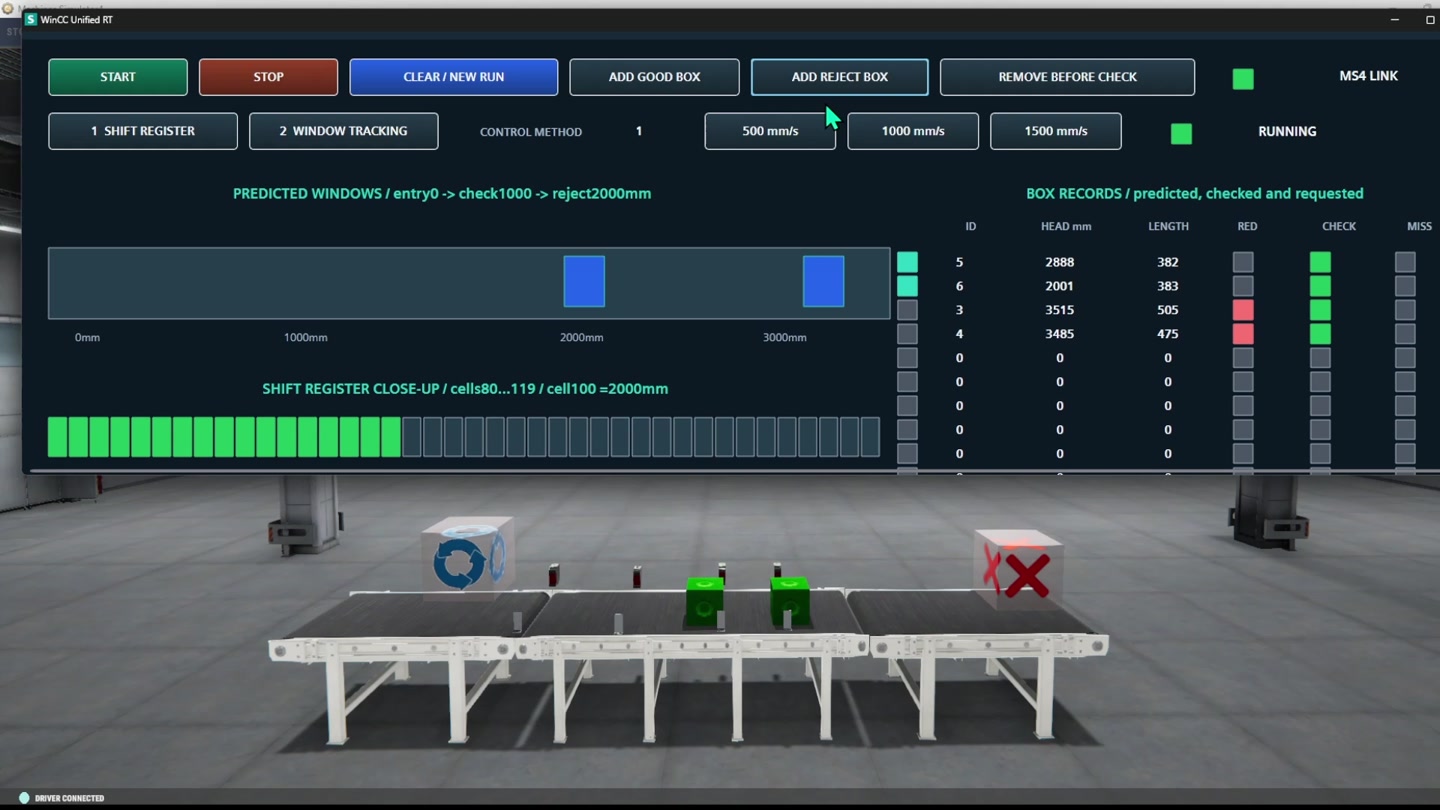
The C# scene script in Machines Simulator 4 handles the simulator side of the demo, including the exchange between virtual belts, sensors, boxes and PLC I/O. The reference, run logic and tracking decisions are in the S7 program. Later in the video, the box-tracking view shows a second part of the lab in action; references here are used for choosing and processing conveyor records.
When is a reference worth using?
If you only need a single field once in one block, direct array indexing is often easier to read. A typed reference is useful when you need to pass the selected record into a reusable function that can work with its fields. In this example the array index makes the selection, and the reference lets the function use the selected data without needing to know which conveyor index was chosen.
Try the lab with the watch table open. The proof is simple: change the selection, issue one command, and check which of the three original records changed.
New to Siemens PLC programming? Start with the free Antomatix Siemens PLC course.